
The work between estimate and approval
A repair estimate is the start of a conversation. The work that follows needs a record of its own.
Fleet repair authorization
Dock helps repair shops prepare, revise, submit, and track fleet repair authorizations across the systems their customers already use.
The work that’s moving — and what needs you next.
| Order | Vehicle | Status | Amount |
|---|---|---|---|
| RO-18472Wheels / eRepair | Freightliner M2 | Needs review | $1,268.00 |
| RO-18468Wheels / eRepair | Ford Transit | Awaiting response | $846.00 |
| RO-18461Wheels / eRepair | Chevrolet Express | Approved | $924.00 |
How it works
Start with your repair document. Keep the details through every handoff.
Bring the estimate your shop already creates.

Check the lines. Add the details the provider needs.

Keep the response and the next revision together.

Keep the provider’s decision with the repair.

For the shops
The work, with its context
Find recent orders, check the original estimate, and see the full record without piecing it together across systems.
Types of work
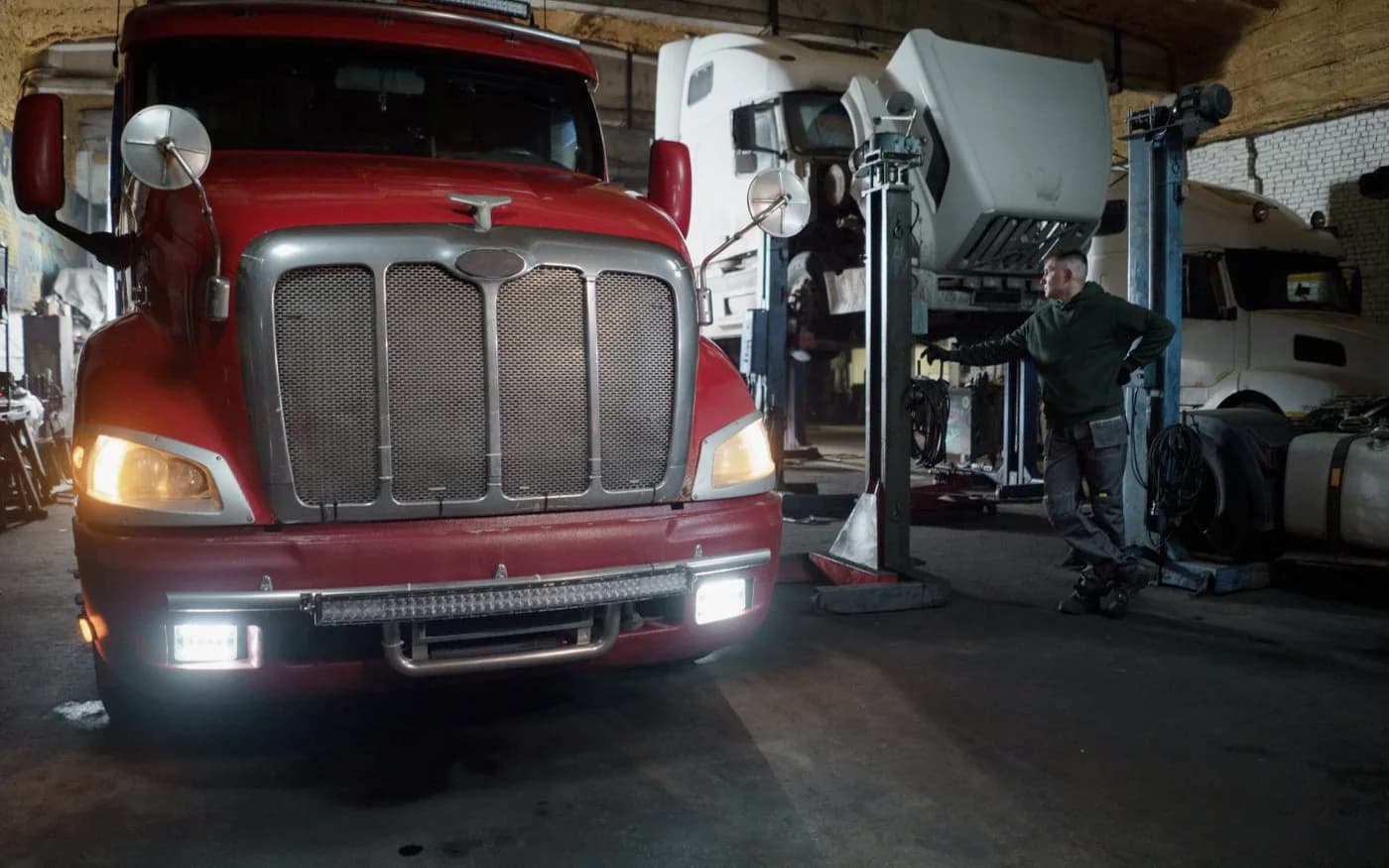
From routine inspections to complex repairs, bring the documentation and authorization work into one place.
 01 / 4 work types
Bring inspection reports and repair findings into the same working record.
 02 / 5 work types
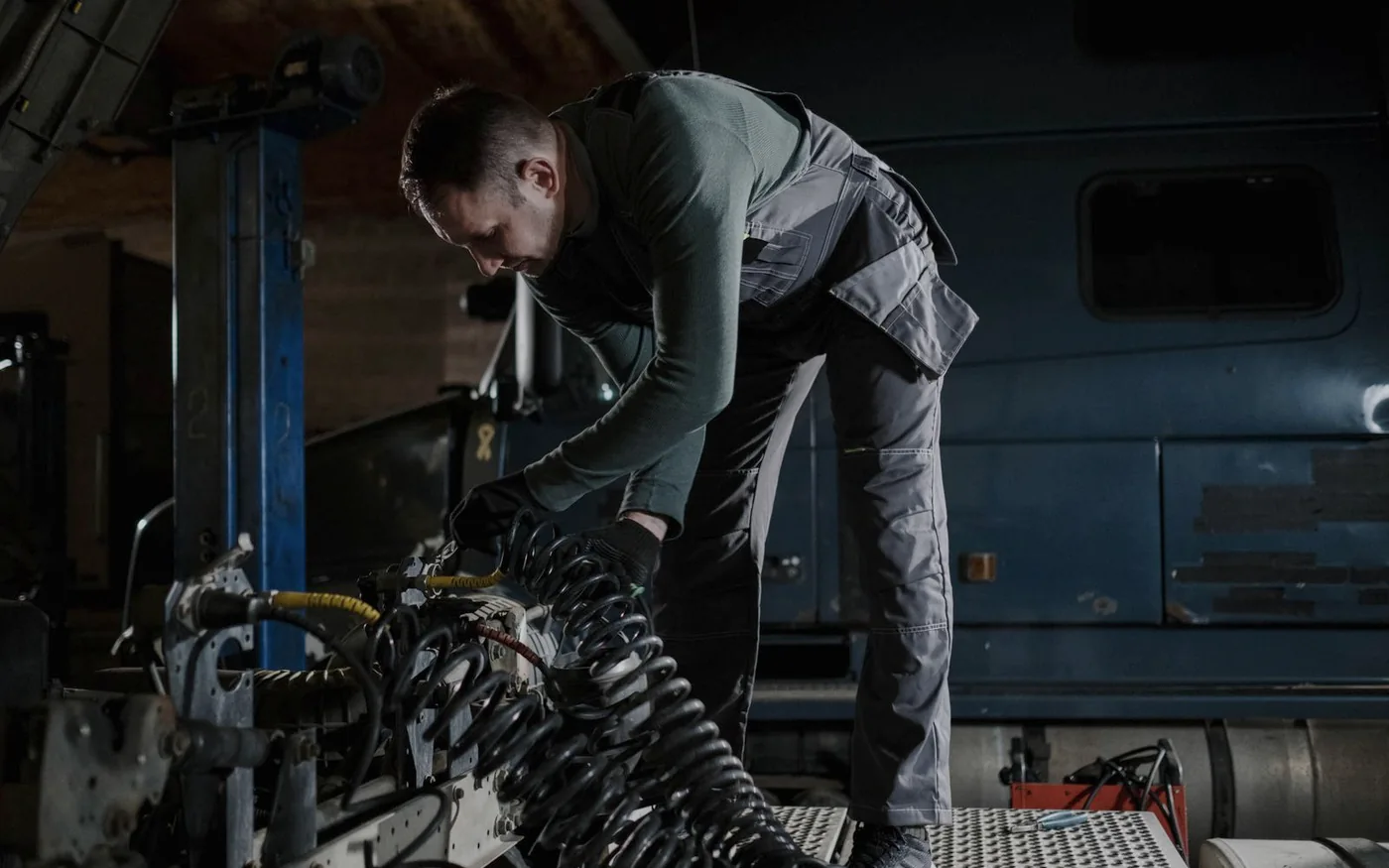
Prepare the routine work that keeps your customers’ fleets on the road.
 03 / 6 work types
Keep complex repair details, estimates, and revisions together.
 04 / 4 work types
Give wheel and tire work a clear record from finding to authorization.
 05 / 6 work types
Bring the findings behind a repair into the authorization conversation.
 06 / 5 work types
A place for body work, trailer repairs, and the jobs that don’t fit one box.
Category 01 / 06
Dock helps organize documentation and authorization for work performed by your shop.

Prepare, submit & track

Account history & messages

Discuss your provider workflow
Refer a shop that becomes a Dock customer and you may qualify for a $100 gift card.1
1 Rewards subject to approval and referral terms.
From The Working Road
A repair estimate is the start of a conversation. The work that follows needs a record of its own.
Connected, prepared, submitted, and approved describe different things. The distinction matters.
Requested changes should move the repair forward, without erasing how it got here.
Common questions
Dock connects repair shops with the systems their fleet customers use. Start with fleet repair authorizations: prepare the work, review the details, submit through a supported provider workflow, and keep track of what happens next.
Independent repair shops and multi-location repair groups that service commercial fleets. Service advisors can prepare and follow up on requests, while owners and operators keep the repair record and its context in view.
Dock starts with the estimates, repair orders, and invoices your shop already creates. Its focus is the authorization work between your shop and your fleet customers’ systems. You can keep your existing process for creating repair documents.
Upload an estimate, repair order, or invoice as a PDF, DOC, DOCX, or TXT file. Dock extracts vehicle and repair details for your team to review, with the original document kept alongside the work.
Yes. Your team reviews the prepared request, checks line items against the source document, corrects extracted details, and fills in missing information before submitting through a supported provider workflow.
Wheels / eRepair supports preparing, submitting, and tracking repair authorization requests. Holman PartnerConnect provides account history, orders, and messages. If your customers use Auto Integrate, talk with us about the workflow options for your account.
Keep the recorded feedback with the repair and update a saved estimate where editing is supported. Replying, editing a submitted order, or resubmitting depends on the provider and the order’s status; some follow-up may still need to happen in the provider’s portal.
No. The fleet management provider makes the authorization decision. A prepared request, a submission, a response, and an approval are different states. Dock helps keep the recorded status and next action with the repair.
Authorized teammates can review the source documents, repair details, revisions, and recorded provider responses kept with the work. That gives the next advisor context without having to reconstruct the repair from separate conversations.
Book a demo and tell us which providers your customers use and how your shop handles authorizations today. We’ll walk through the preparation, submission, and follow-up options that fit your shop’s accounts.
A short, focused demo for your shop or team.